04 · Programming Foundations
You've analyzed problems (Module 01), drawn them as flowcharts (Module 02), and expressed them in pseudocode (Module 03). Time to learn what programming is, what a computer is actually doing, and which kinds of languages exist.
1. Programming
Definition: the process of creating software by writing instructions in a special language the computer can understand.
Programming is giving precise instructions to a computer so it performs a task step by step. The typical cycle:
- Decide what the computer should do.
- Break the large problem into smaller parts.
- Design the logic of the solution.
- Write the solution in a programming language.
- Run and test the program.
- Debug — find and fix mistakes.
Steps 1–3 are exactly what you practiced in Module 01. Programming is the continuation of problem solving, not a separate skill.
2. Programming languages
Definition: formal systems of instructions and rules that let humans communicate with computers.
A computer only understands binary (0 and 1). Programming languages are the bridge between human logic and machine execution.
A few you'll hear about
- Python — readable, great for beginners, data, web, scripts.
- JavaScript — powers the web, runs in every browser.
- Java — enterprise apps, Android.
- C# — Microsoft ecosystem, games (Unity), desktop apps.
- C / C++ — systems, performance-critical software, engines.
These languages build websites, mobile apps, desktop software, games, robotics, AI, and much more.
3. Computer components
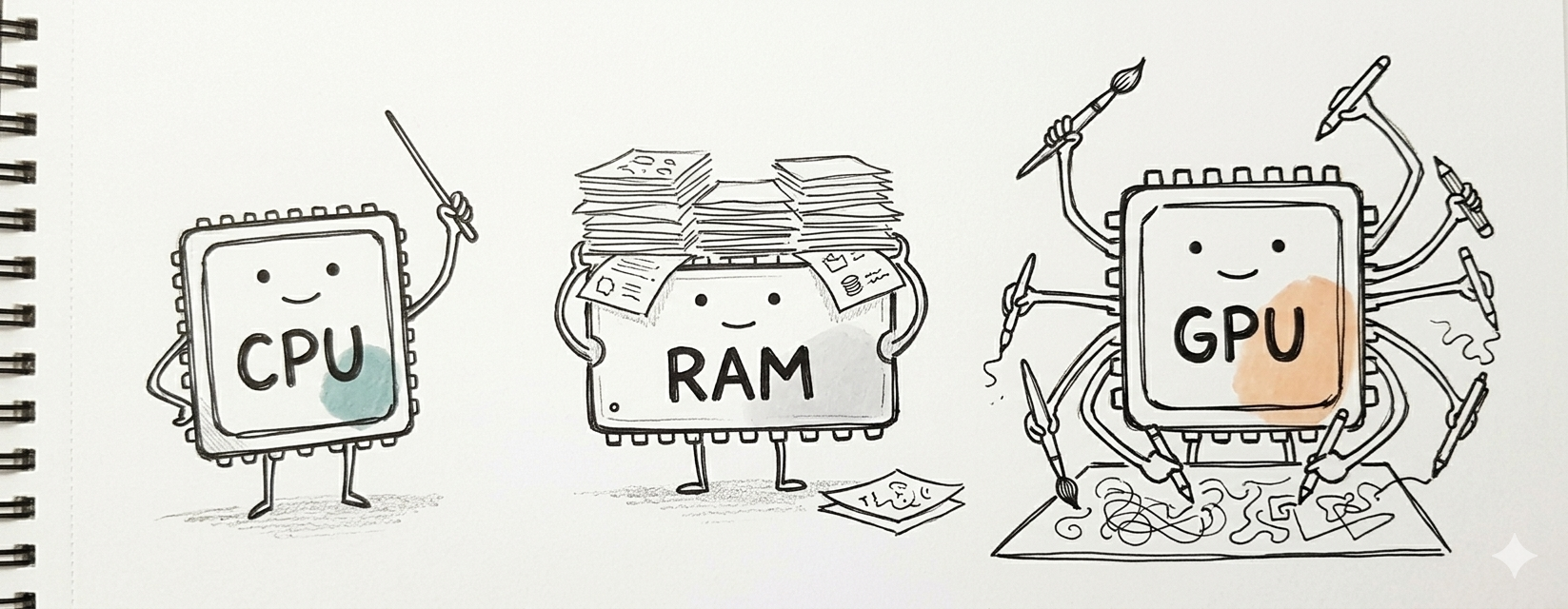
To understand what your program is actually running on, meet the main parts of a computer.
Input units
Devices that send information into the computer.
- Keyboard, mouse, touchscreen.
- Microphone, camera.
- USB devices, barcode readers.
Output units
Devices that present processed information to the user.
- Monitor, printer, headphones.
- Multimedia devices.
- VR / mixed-reality headsets.
- Storage devices (when receiving data to save).
Memory unit (RAM)
Temporary, fast-access storage. Holds the programs and data currently in use.
Analogy: RAM is your desk — things you're actively working on. The hard drive is the filing cabinet — long-term storage.
Arithmetic Logic Unit (ALU)
Performs arithmetic and logical operations: addition, subtraction, multiplication, division, comparisons, boolean logic.
Central Processing Unit (CPU)
Coordinates everything. Reads instructions, decides what runs next, delegates to the ALU and memory. The conductor of the orchestra.
Graphics Processing Unit (GPU)
Specialized for highly parallel work: graphics rendering, modern AI training and inference, scientific simulations.
4. Types of programming languages
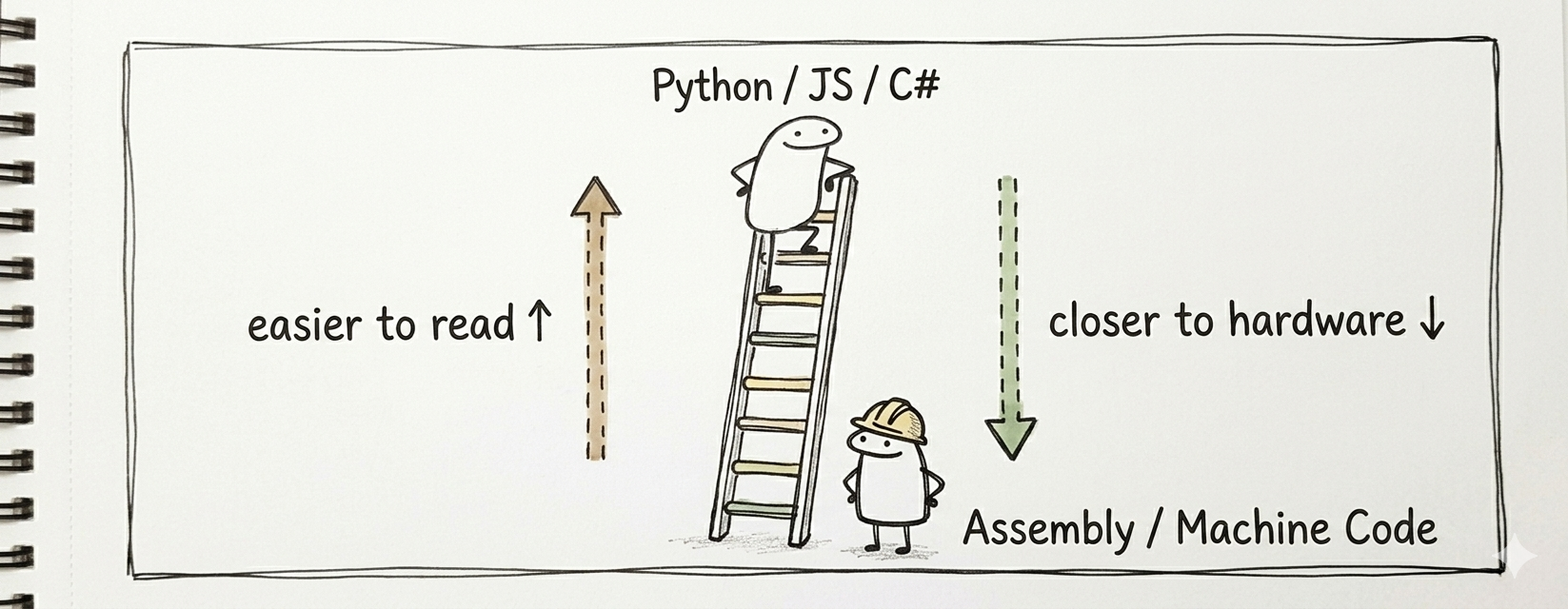
High-level languages
Easier for humans to read and write.
- Closer to natural language.
- Require translation before execution.
- Examples: Python, JavaScript, Java, C#.
Low-level languages
Closer to machine instructions.
- Faster, more direct control over hardware.
- Usually harder to learn and debug.
- Examples: Assembly, C (C sits in the middle, but closer to low-level than Python).
Which one to learn first
Start high-level. You'll understand what the computer should do before worrying about how to push it to the limit.
5. Compilers
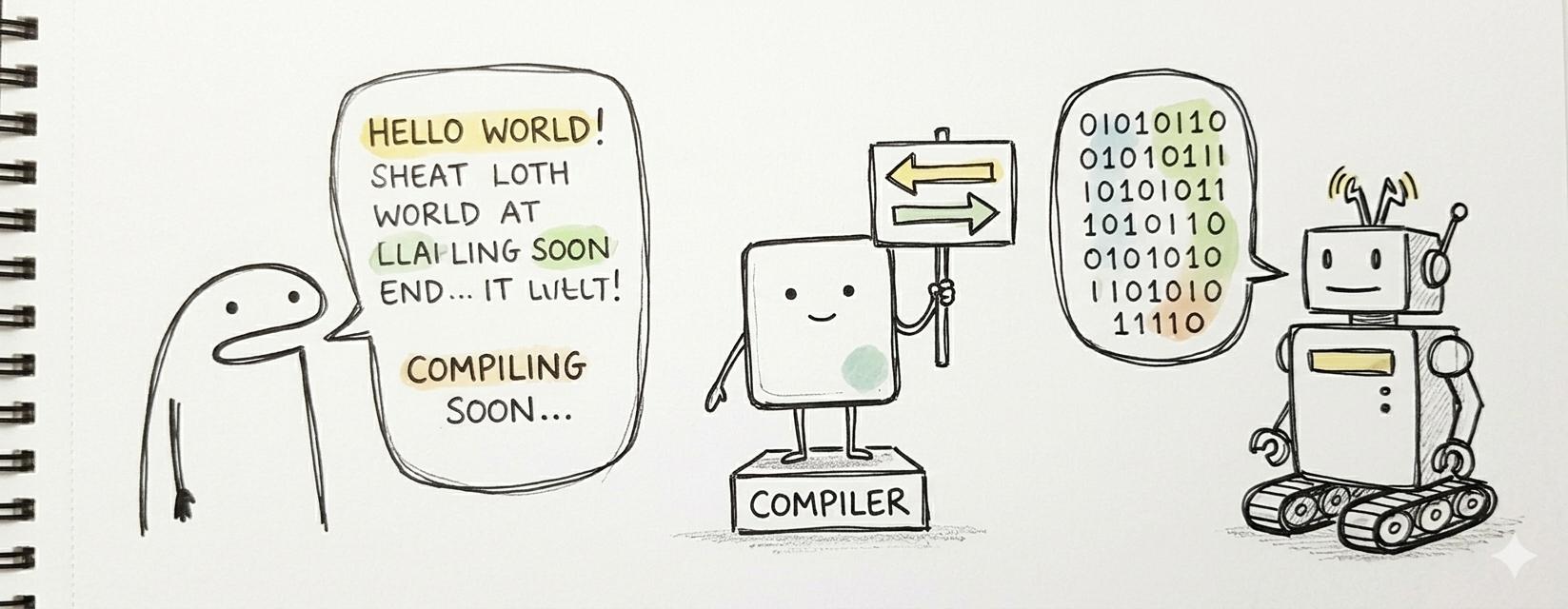
A compiler is a translator between the programmer and the computer.
What a compiler does
- Reads your source code.
- Checks its structure and grammar.
- Translates it into a form the computer can execute.
- Optimizes the translated code when possible.
- Produces an executable.
This is why programmers work in high-level languages instead of writing machine code directly — the compiler handles the translation.
Related term: an interpreter runs the code directly without producing a separate executable (Python is typically interpreted). A just-in-time (JIT) compiler compiles pieces on the fly while the program runs.
6. Programming paradigms
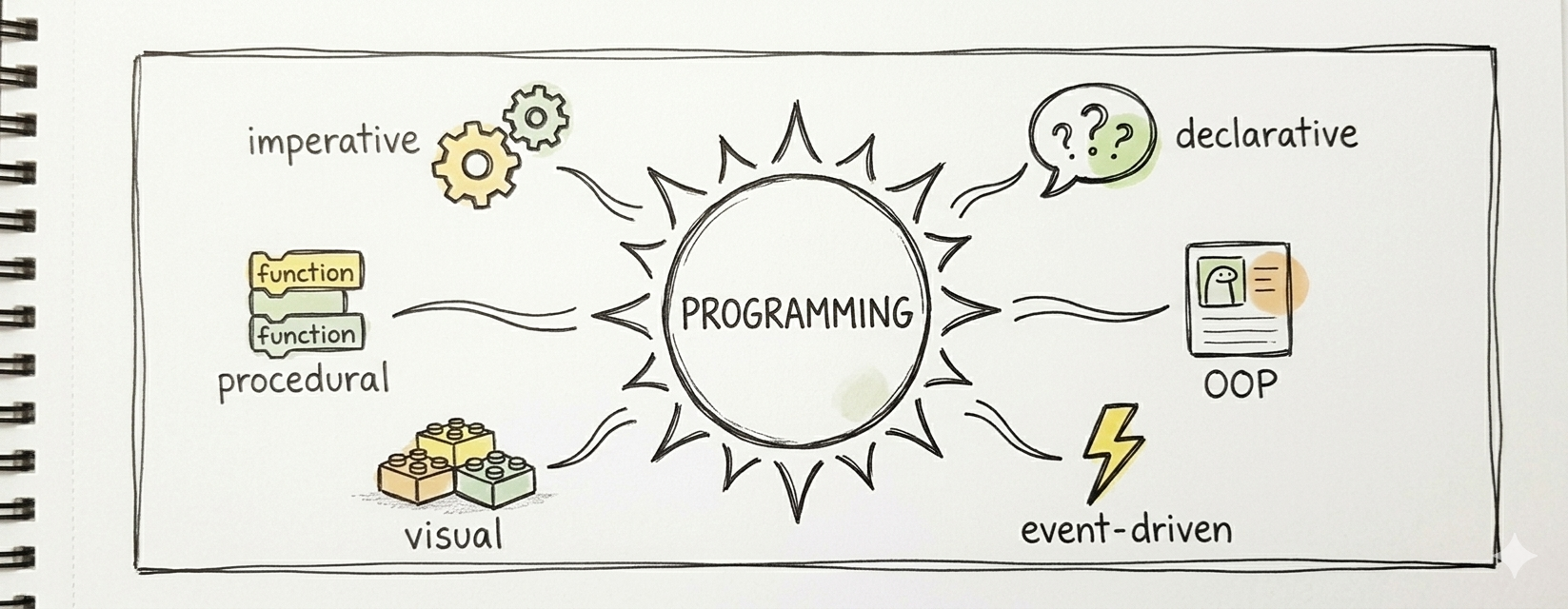
Definition: a way of structuring and thinking about programs.
You don't pick one and stop. Most modern languages let you mix several. But each paradigm has a dominant idea worth understanding on its own.
Imperative programming
A program is a sequence of step-by-step instructions that explicitly control the computer.
Procedural programming
A branch of imperative that organizes code into procedures (functions) you can call from multiple places.
Declarative programming
Focuses on what result is desired, not how to achieve it. SQL is the classic example: "give me all users over 18" — the database figures out how.
Object-oriented programming (OOP)
Organizes programs around objects that bundle data and behavior. A Car object has an ignition() method and a fuel_level property. More in the Python / CS course when you get there.
Event-driven programming
Code reacts to events — button clicks, key presses, mouse movements, network messages. Most GUI and web apps are event-driven.
Visual programming
Uses graphical blocks instead of typed text. Scratch, Snap!, and Unreal Blueprints are examples. Lowers the entry barrier for beginners.
Putting it together
You now have the full map:
- A problem in the real world.
- Analyzed via the 7-step process (Module 01).
- Drawn as a flowchart (Module 02).
- Expressed as pseudocode (Module 03).
- Implemented in a high-level language (this module).
- Translated by a compiler / interpreter to machine code (this module).
- Executed by the CPU, using RAM and the ALU (this module).
Next course in the ladder: CS (C#) — you'll take everything on this map and actually run it in a real language.
Module 04 closing idea
Programming is not about memorizing syntax. It's about thinking clearly, describing the solution precisely, and letting the computer do the repetitive part. The clearer your thinking, the better your programs — regardless of the language you end up using.